Redesigning Tutor Dashboard
UI/UX Case Study
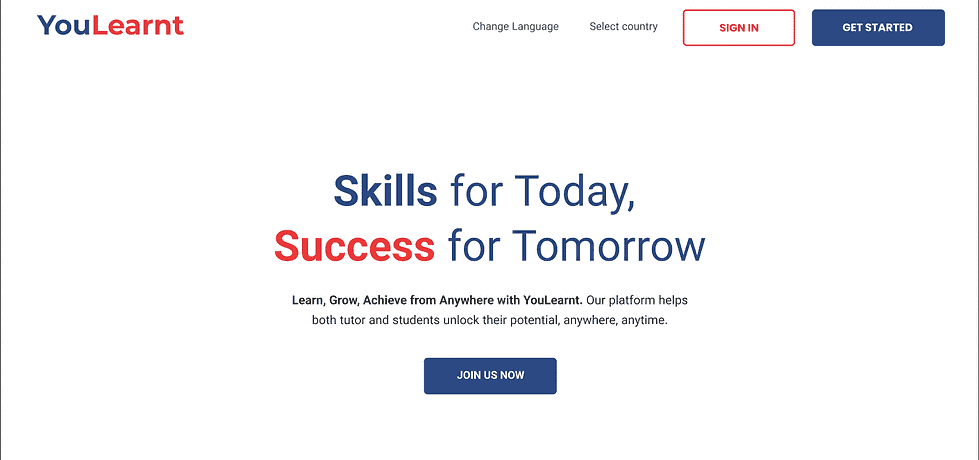
YouLearnt is an e-learning platform that helps teachers and students connect and learn easily. The redesign helped tutors like Sarah teach online with clarity.
Skills
Role
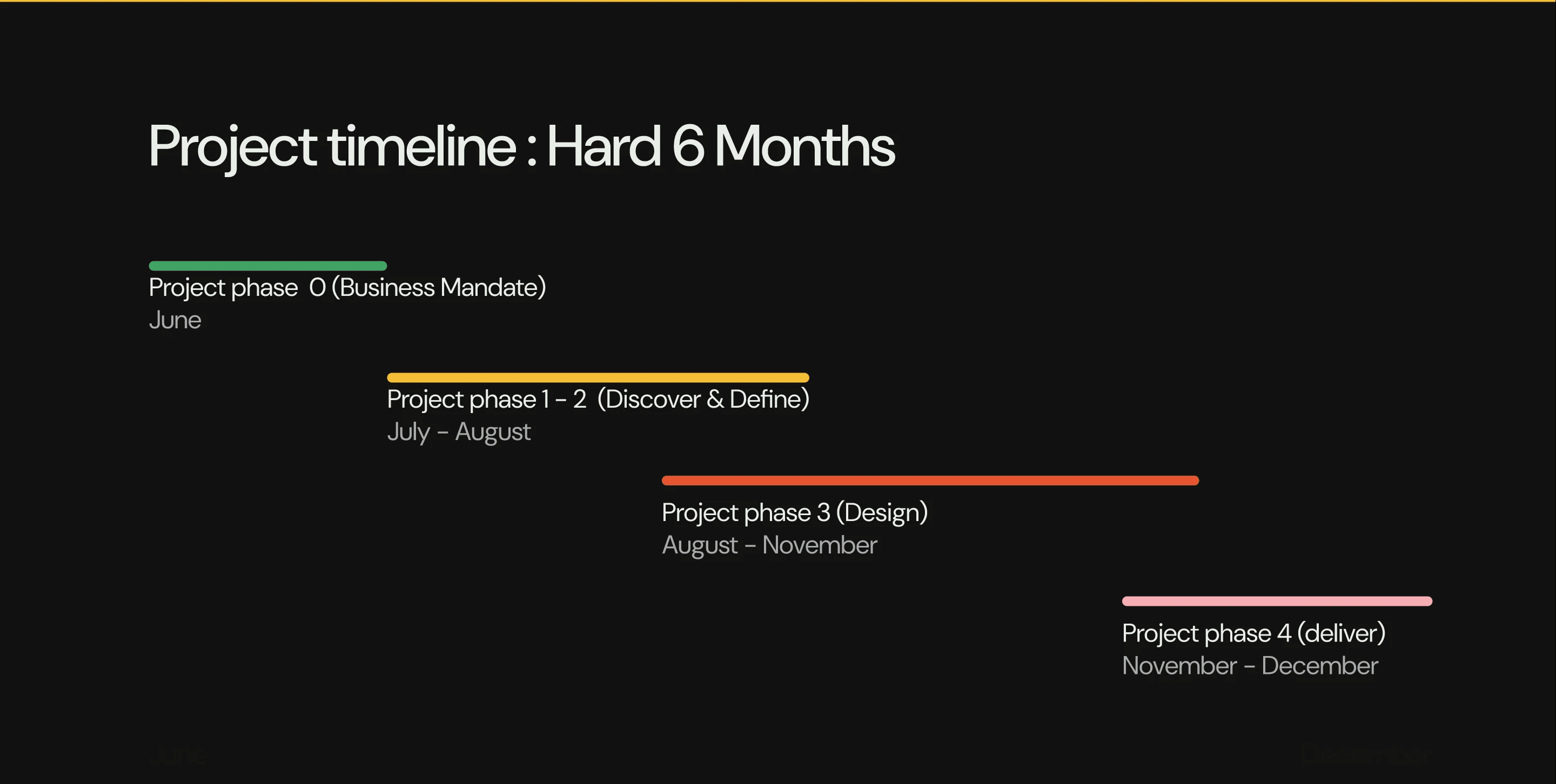
June-December
UX Design
UX Researcher
Scrum Master
Stakeholder Management
Duration
Lead UX Designer
In 2024 June, Team Sketch was formed to lead the redesign of the YouLearnt tutor platform, focusing on creating a better experience for educators. As the UI/UX Lead, I guided a team of 2 research interns and 3 UX designers, working specifically on the teaching side of the platform. I oversaw and directed key work, including conducting user research, creating personas, defining a design system and redesign of the platform. My role involved setting the UX strategy, mentoring the team, and ensuring our designs addressed usability challenges while meeting accessibility and GDPR standards.
Background
When I joined YouLearnt in June, the product had already been developed by the development team and was scheduled for public release in mid-October. At that point, the platform was functional but required improvements, particularly on the tutor side. My role was to lead the redesign of the tutor dashboard, focusing on improving usability, simplifying workflows, and addressing specific pain points faced by tutors.
The Challenge & Problem Statement
Tutors were struggling with a complex, cluttered dashboard that made managing classes difficult. I led a redesign to simplify their workflow, reducing setup time and improving navigation.
Why Was I Hired
Business Objectives
Phase 0
01
Self-Service
Prioritize minimal help needed.
02
Speed
Cut setup time. Fast results for tutors.
03
Control
Offer ownership, not hosting. Build trust.
We listened before we designed.
We ran mixed-method interviews with tutors and students, mapped jobs-to-be-done, and pressure-tested assumptions with weekly synthesis sessions.
6
In-depth interviews
2
Competitors analyzed
20+
Expert audits
Phase 1 & 2
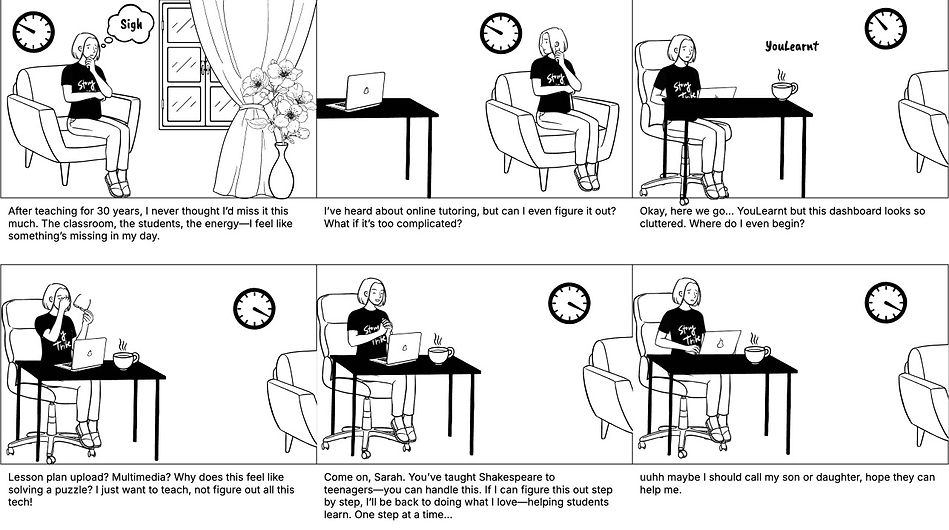
Switching between calendars, spreadsheets, and chat apps burned time and added mistakes. Onboarding felt like a maze—especially for educators who'd rather teach than configure software.
Tutors were overwhelmed.
"I just want to open the app and know exactly what to do next."
— P3, Already teaching online
“Everyone says 'modern' is better, but honestly? My old paper gradebook gave me more insight than this website. In a classroom, I can see if a student is struggling. I want to teach, but I have no idea if they are actually learning or just watching videos.”
— P6, Old retired Teacher
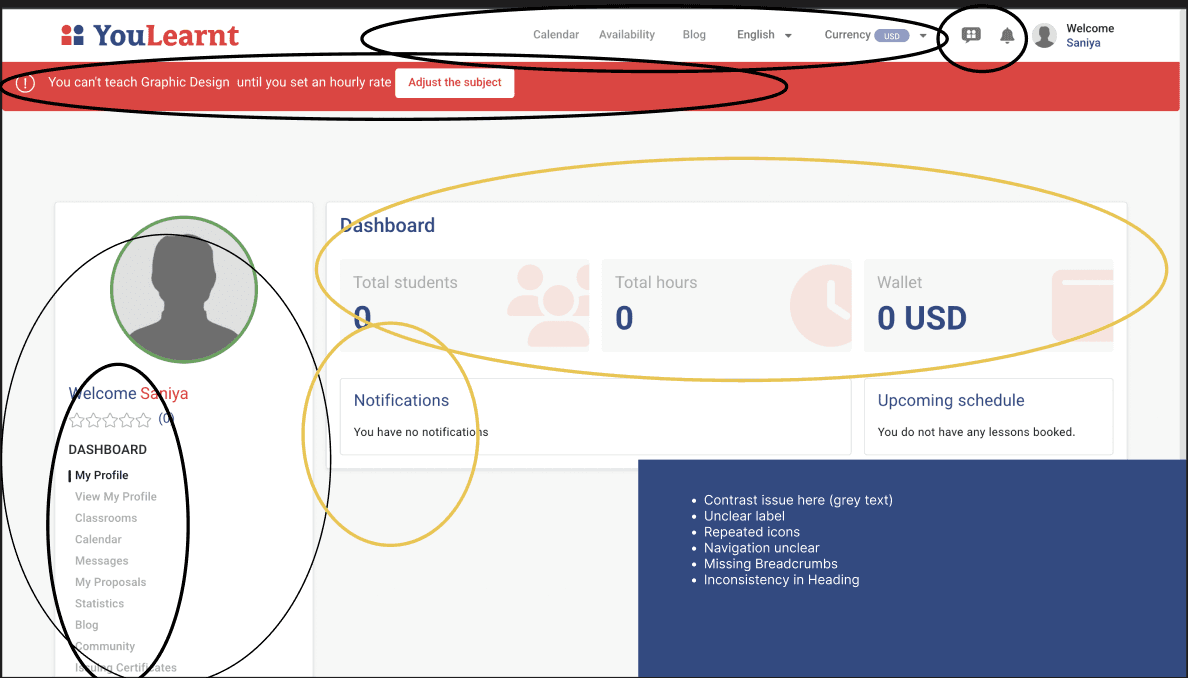
HEURISTICS
Heuristic Evaluation
We used Nielsen's heuristics to audit the existing experience, identify friction, and prioritize fixes before moving into high-fidelity design.
Visibility · Match · Control · Consistency · Error prevention
HEURISTICS
STRUCTURE
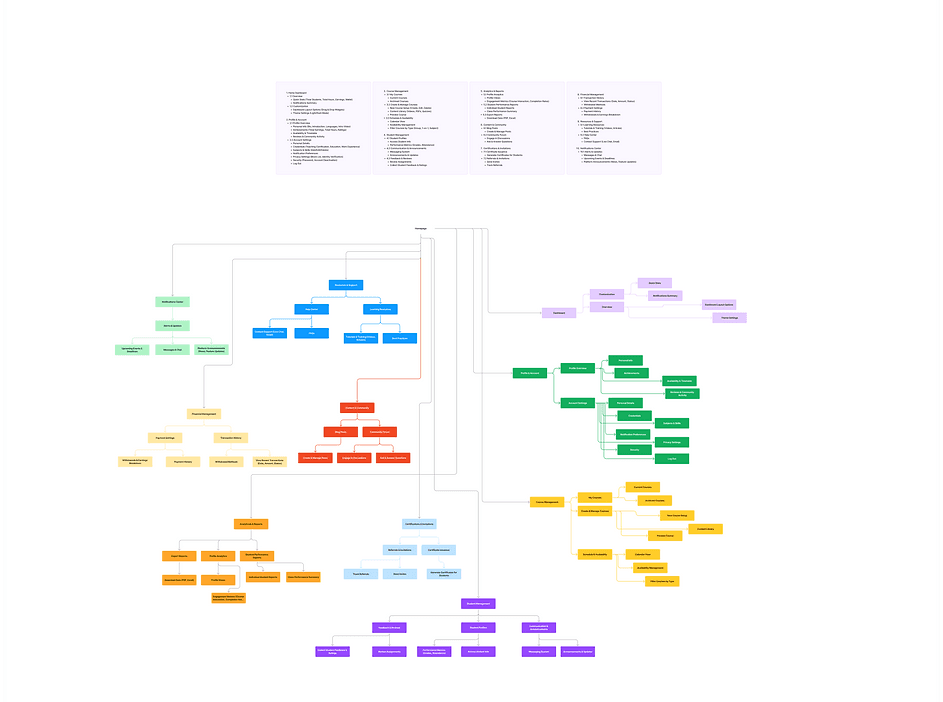
Information Architecture
We restructured the tutor experience into three clear zones—preparation, delivery, and follow-up—so navigation becomes instinctive.
Results that matter.
We validated the redesign with real tutors—faster setup, fewer errors, and a calmer daily experience.
45m → 25–30m
Average setup time
100%
Task completion rate
8.5/10
Likelihood to switch
Phase 4 Deliver & Validate
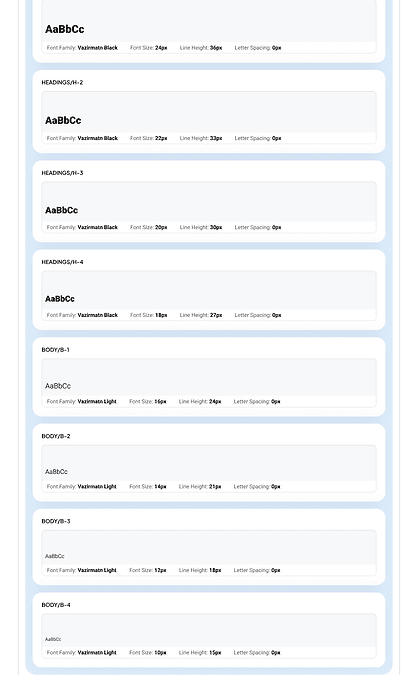
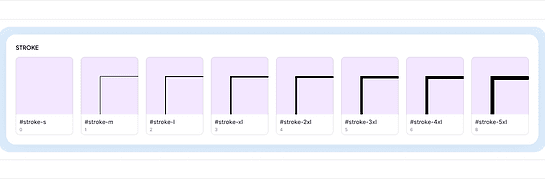
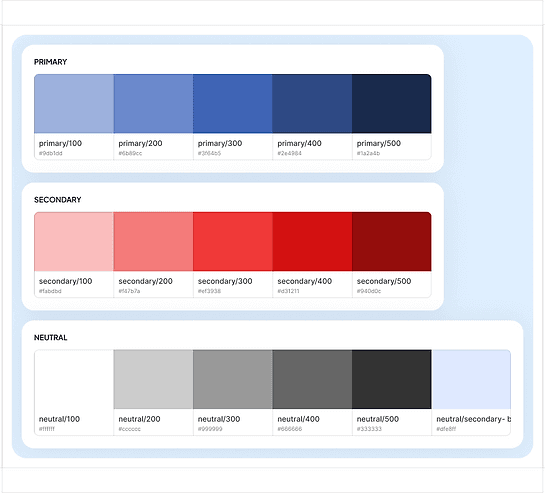
DESIGN TOKEN
A system, not a style.
We built a scalable library—typography, spacing, and components—so the product stays consistent as features grow.
Hi-Fidelity Wireframes
Translating research into structured layouts. Every element placed with purpose.
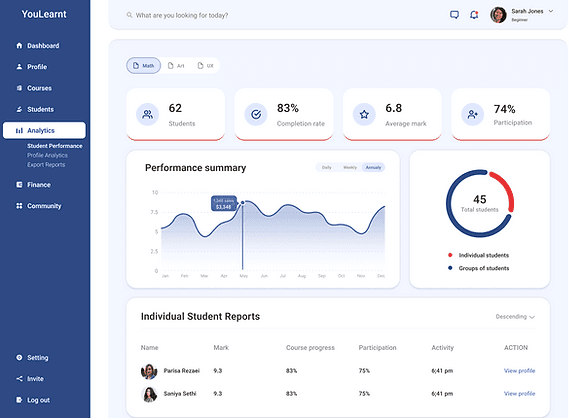
Analytics Screen
Detailed charts to track student progress.
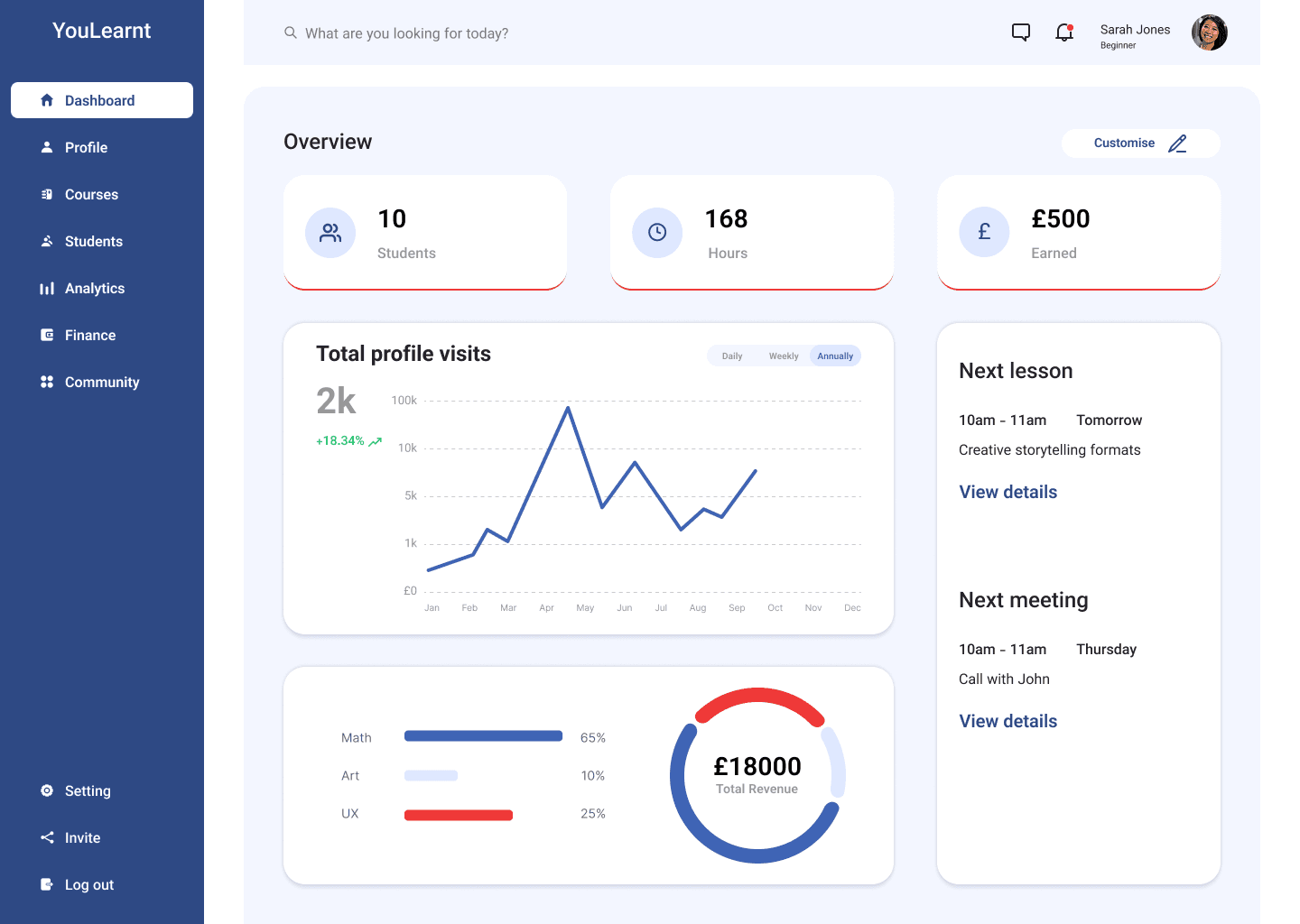
Main Dashboard
A centralized hub for upcoming classes and quick actions.
Offering Ownership & Control
Trust & Support (WCAG)
Improved compliant FAQ Page
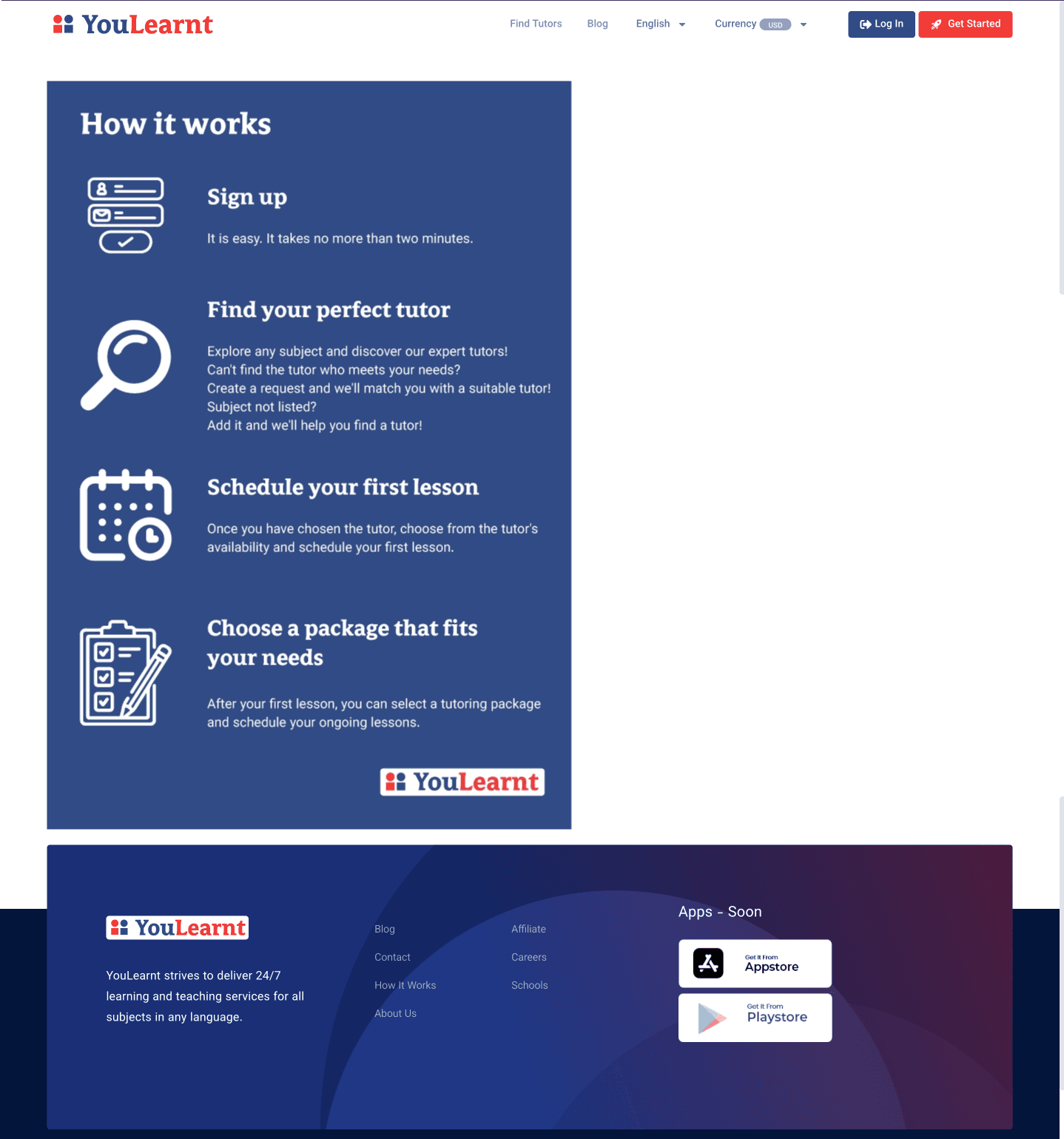
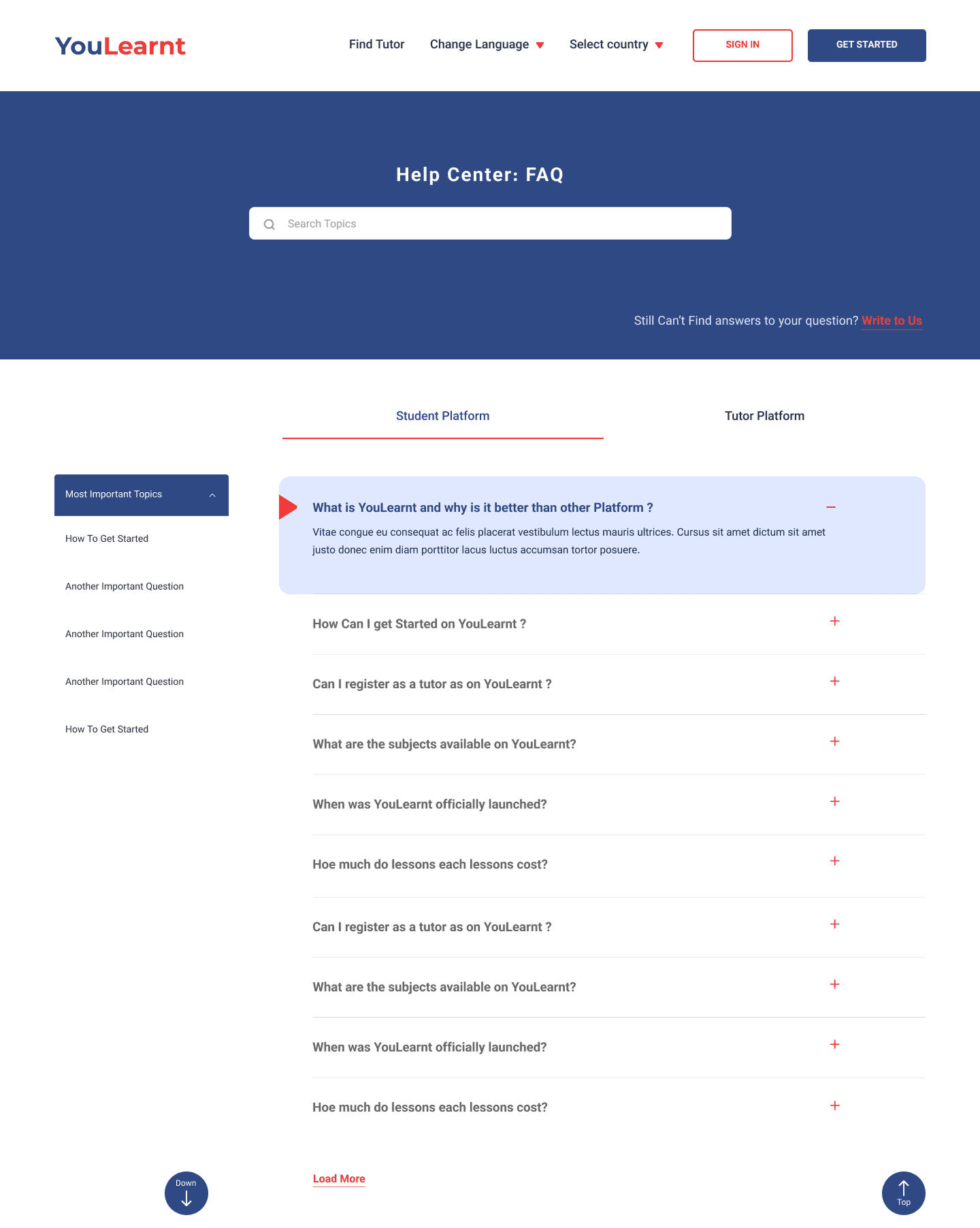
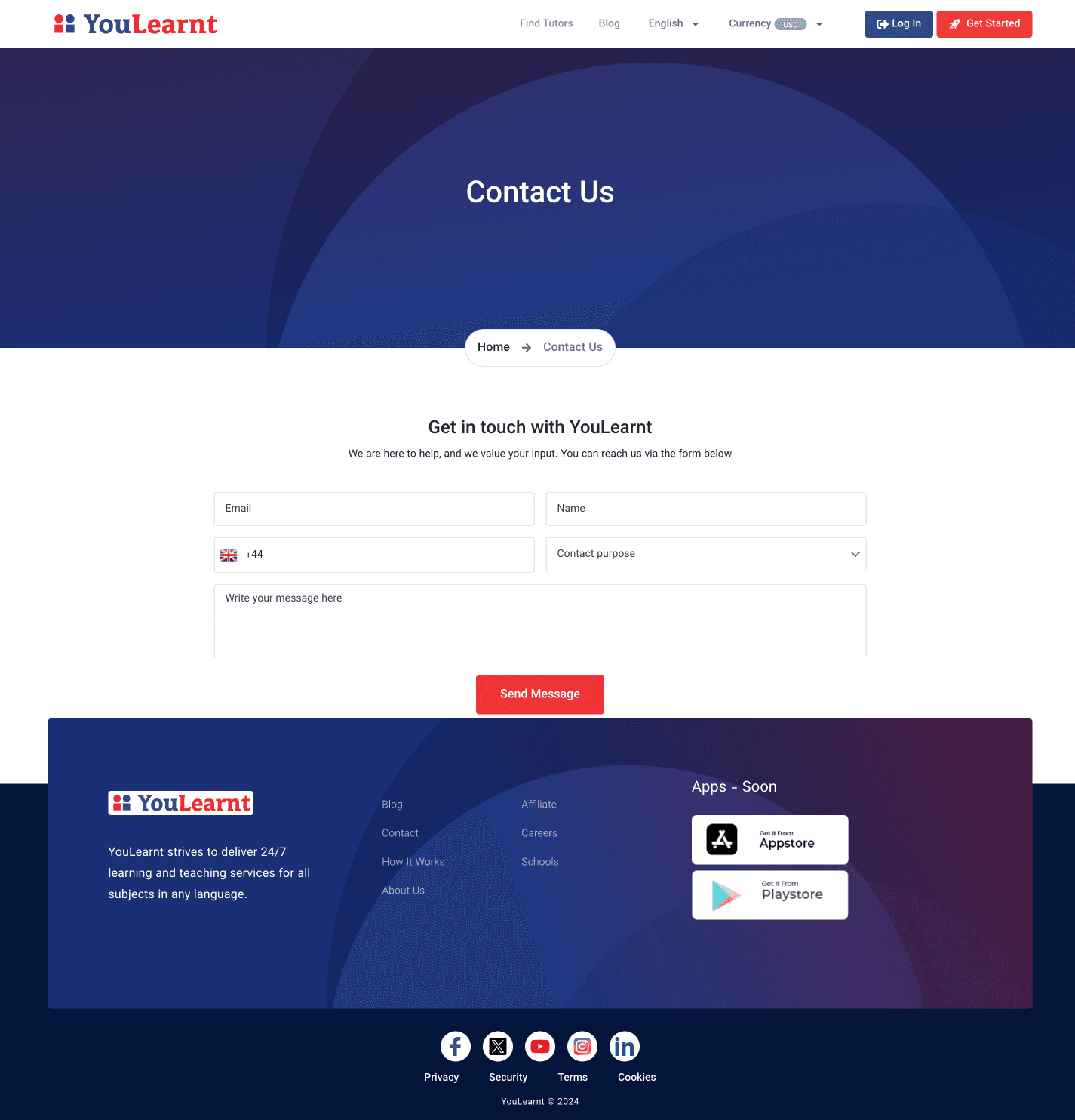
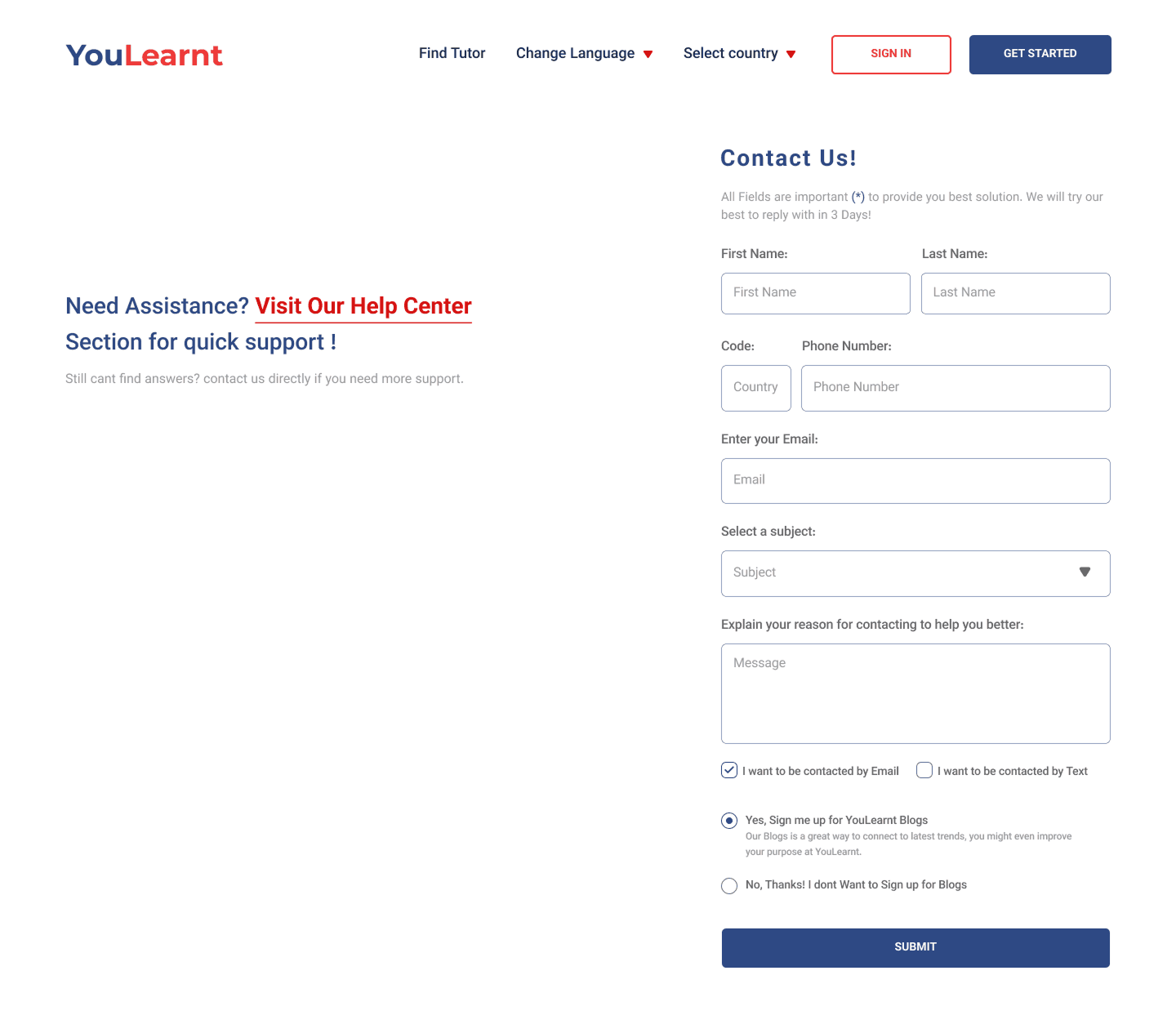
Easy-to-Access Help Center.
Sarah's Journey
Sarah Chen
Math Tutor
Discovery
Finds YouLearnt
"I need a simpler way to manage tutoring"
curious
Onboarding
Sets up in 25 min
"Much clearer than other platforms"
relieved
Teaching
Schedules easily
"Everything I need is here"
confident
Connecting
Messages students
"No more app switching"
happy
Growing
Tracks progress
"I can see my impact"
proud
User Journey Map

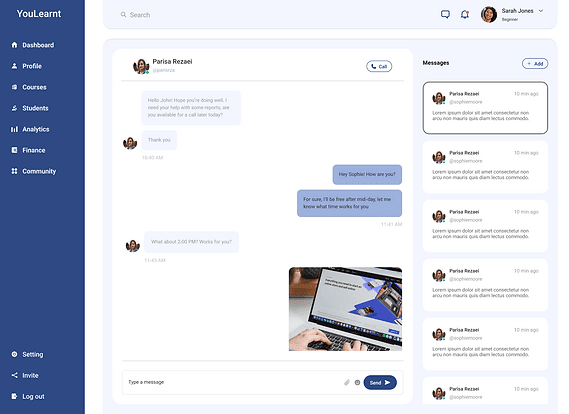
Instant chat, File sharing, Student groups
Message Center
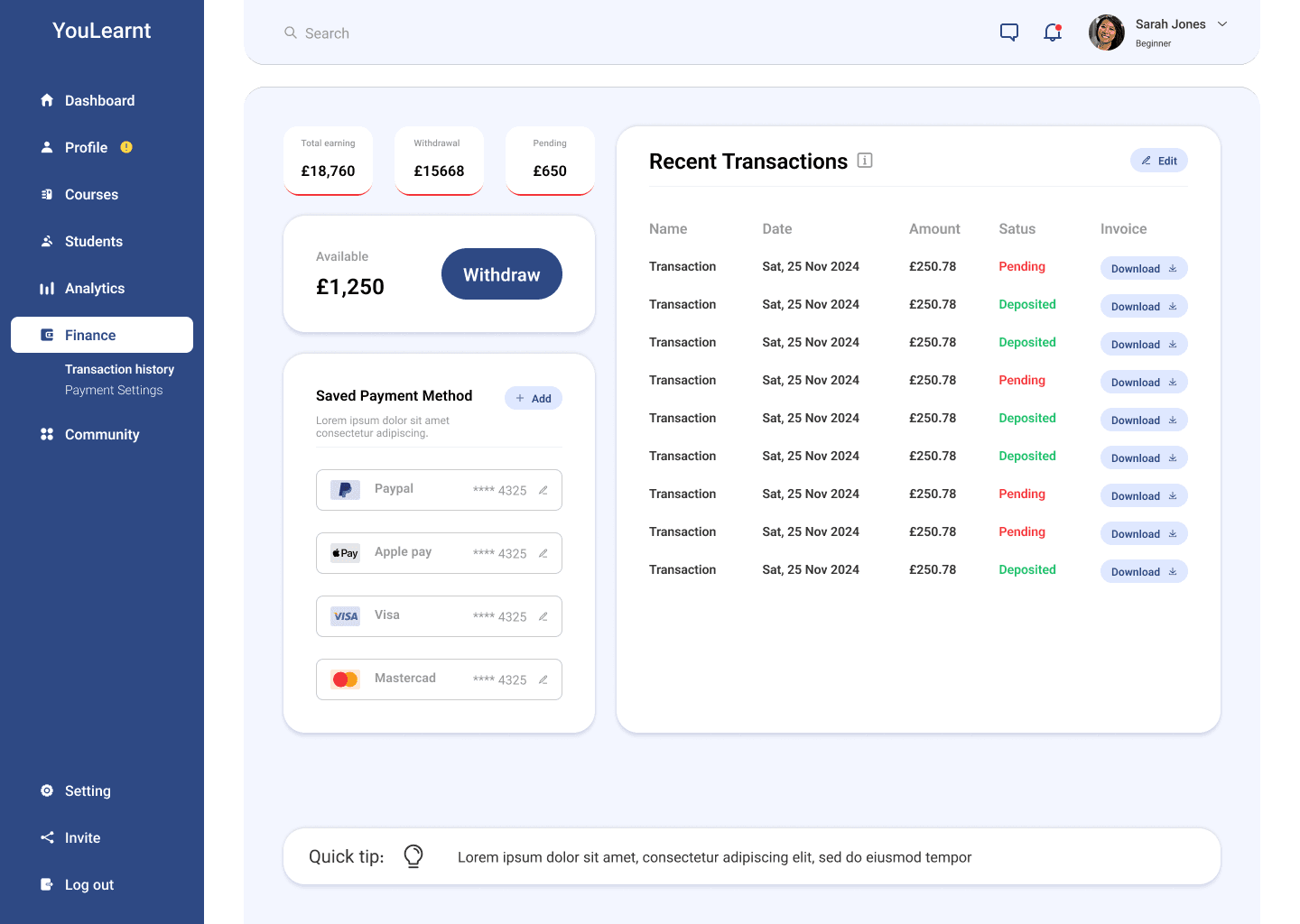
Earnings graph, Payment history, Withdrawal status.
Finance Center
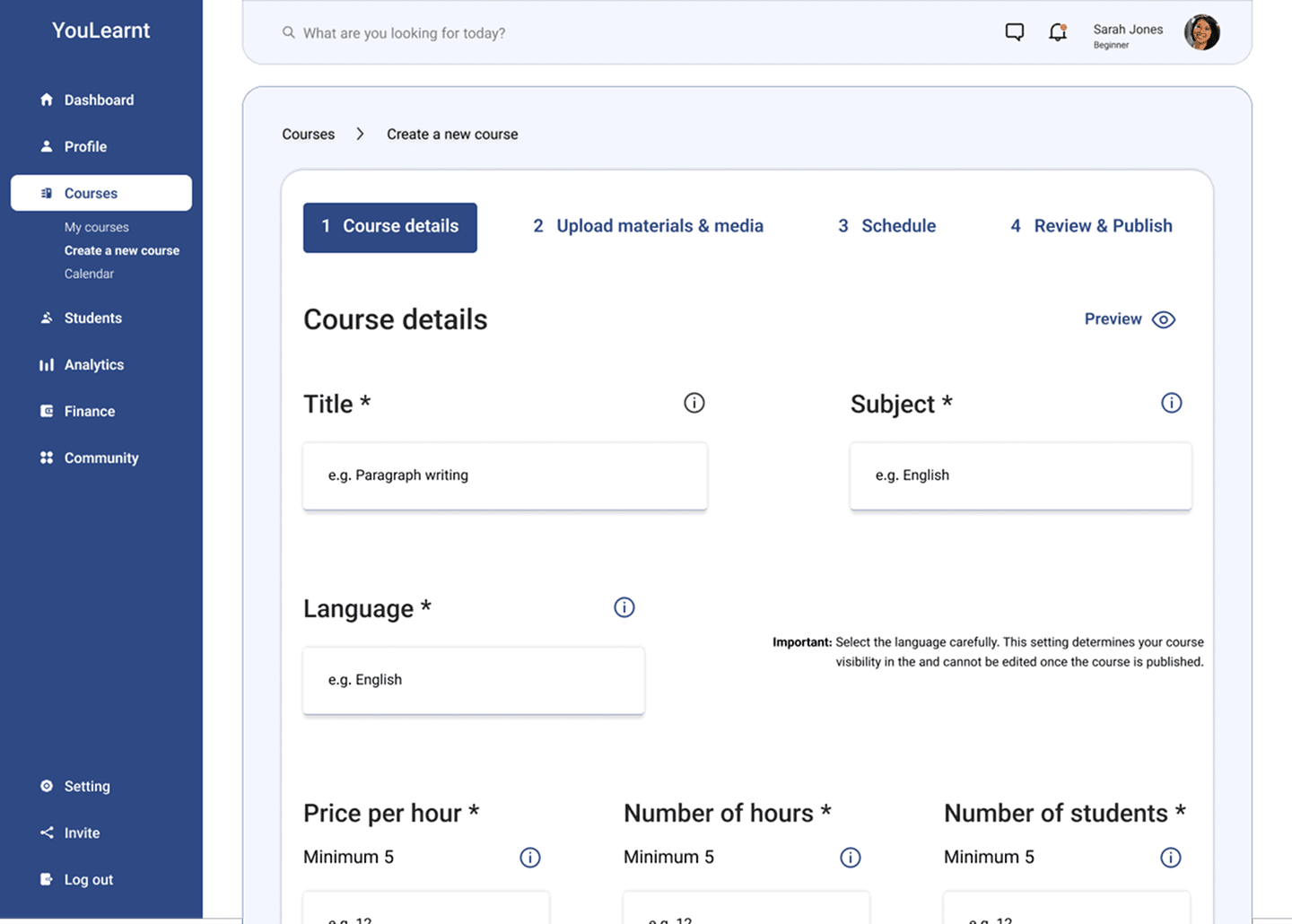
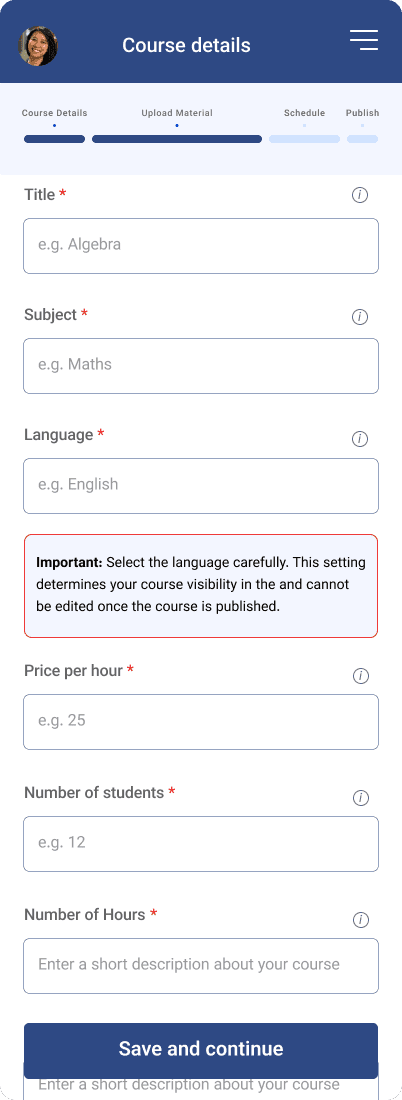
Step-by-step builder, Video upload, Class scheduling.
Course Creation
We implemented clear fields, compliant labels and required explicit consent for email, messaging, and blog subscriptions.
Phase 3: Design
Thank You
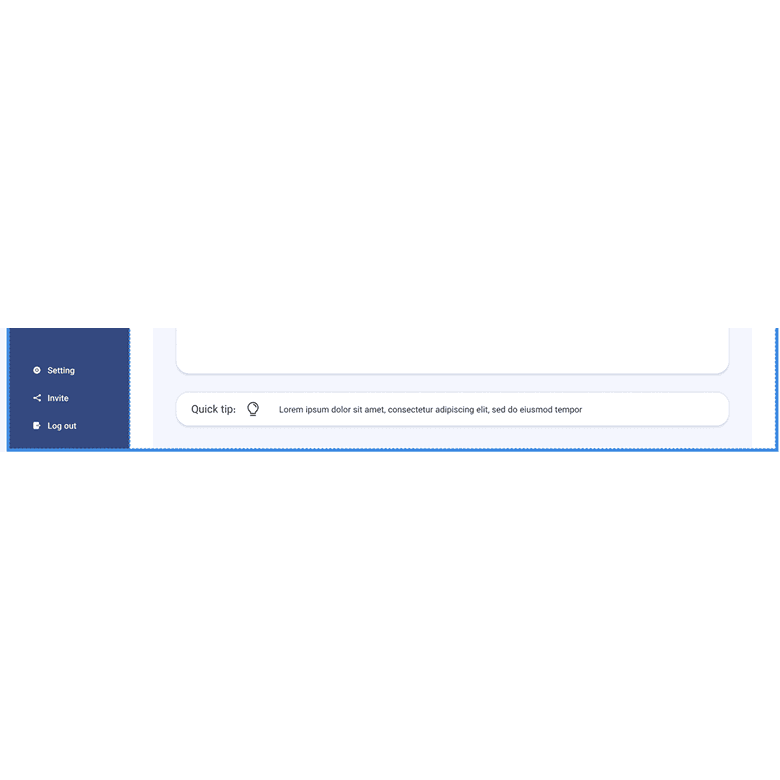
Cookie Banner & Quick Tip

Remix Theme